
Forgot Apple id, follow these steps
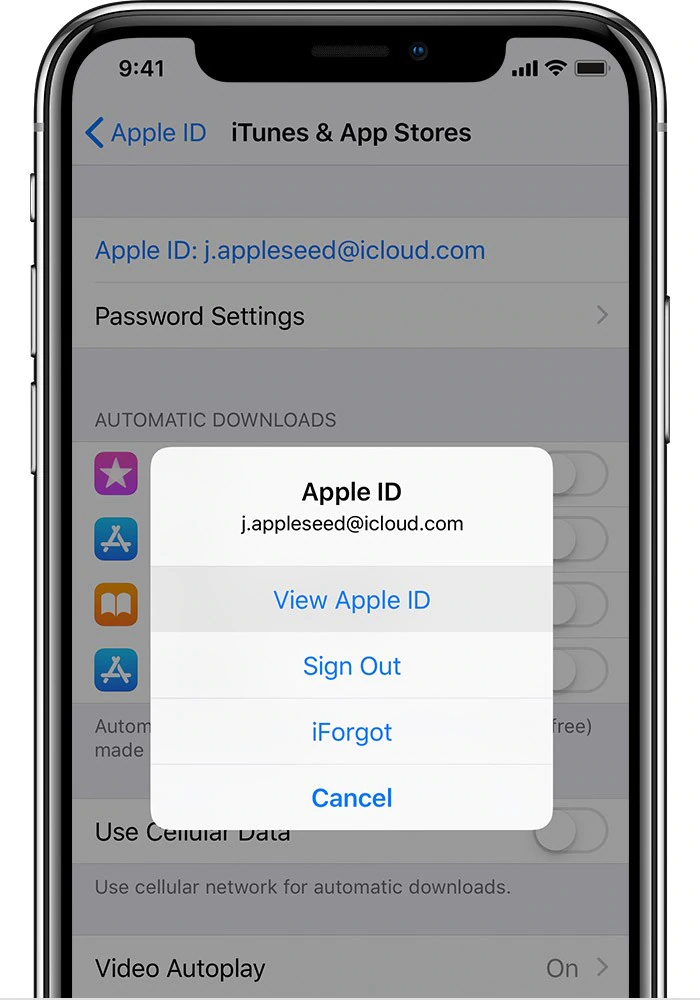
           Forgot Apple id, follow these steps


If you forgot your Apple ID, you can try the following steps to recover it:


Go to the Apple ID account page at https://appleid.apple.com/

Click "Forgot Apple ID or password?"

Enter your email address or phone number associated with your Apple ID, and click "Continue."

Follow the onscreen instructions to verify your identity. You may be asked to answer security questions or enter a verification code sent to your trusted device or phone number.

Once you have verified your identity, you will be able to reset your password and regain access to your Apple ID.

If you do not have access to the email address or phone number associated with your Apple ID, or if you are still unable to recover your Apple ID after following these steps, you can contact Apple Support for further assistance.

Comments

Popular posts from this blog

Realme GT 7 Pro Camera Features Revealed Ahead of India Launch, to Get Underwater Photography Mode feature

  Realme GT 7 PRO will launch in India on November 26 at 12pm IST. The phone was unveiled  in China earlier this month. The Indian variant is expected to be similar to its Chinese counterpart. Previously, the company has confirmed that the variant in India will be equipped with a Snapdragon 8 Elite chipset and have a similar design as the Chinese version. Now Realme has revealed several camera specifications and features of the handset. The build details of the Realme GT 7 Pro have been confirmed too. Realme GT 7 Pro Camera Features The Realme GT 7 Pro will be equipped with a  1/1.95-inch 50-megapixel Sony IMX882 periscope telephoto camera with 3x optical zoom and 120x digital zoom support, the company confirmed on an official microsite. As part of its triple rear camera unit, it will include a 1/1.56-inch 50-megapixel Sony IMX906 primary sensor as well as an 8-megapixel wide-angle shooter. In a press release, the company also revealed that the Rea...

How to Transfer WhatsApp Chats From iOS to Android: A Step-by-Step Guide

  How to Transfer WhatsApp Chats From iOS   to Android: A Step-by-Step Guide Switching phones, especially between iOS and Android ecosystems, is often a hassle. The biggest headache is usually ensuring your WhatsApp account is properly migrated without any loss of data. While WhatsApp for iOS comes with a native chat transfer tool, there have been instances where some conversations or media have been lost during the migration process. To mitigate this, the use of workarounds or third-party tools is often required. However, WhatsApp has now announced support for seamless cross-platform chat transfer, allowing users to move their conversations, photos, and videos between operating systems. The feature is designed to simplify the process, ensuring that users can continue their chats without starting from scratch. With just a few steps, your entire WhatsApp history can move with you when switching devices. WhatsApp Cross-Platform Chat Transfer: What It Offers WhatsApp's ...

How to Restore WhatsApp Chats on Android and iPhone: A Step-by-Step Guide

  How to Restore WhatsApp Chats on   Android and iPhone: A Step-by-Step Guide Have you ever lost your phone or switched to a new smartphone and realised your old WhatsApp chats were gone? It can be difficult, but you can get them back. WhatsApp allows both Android and iPhone users to back up their chats and media to Google Drive or iCloud . This facility lets users have a copy of their conversations that they can easily restore later. The steps to back up and restore chats are simple, and here we will guide you through them. Android smartphone users can back up their  WhatsApp  chat history to their  Google Account , while iCloud is used when backing up and restoring chats on an iPhone. As you might expect, backing up chats takes up additional Google Drive or iCloud storage, which means you might need to opt for a paid tier if your backup is too large. Before trying out the steps, keep in mind that users cannot back up or restore chats from linked device...